Class Manager
The list of all classes in your project can be seen by clicking the Classes icon in the App bar.
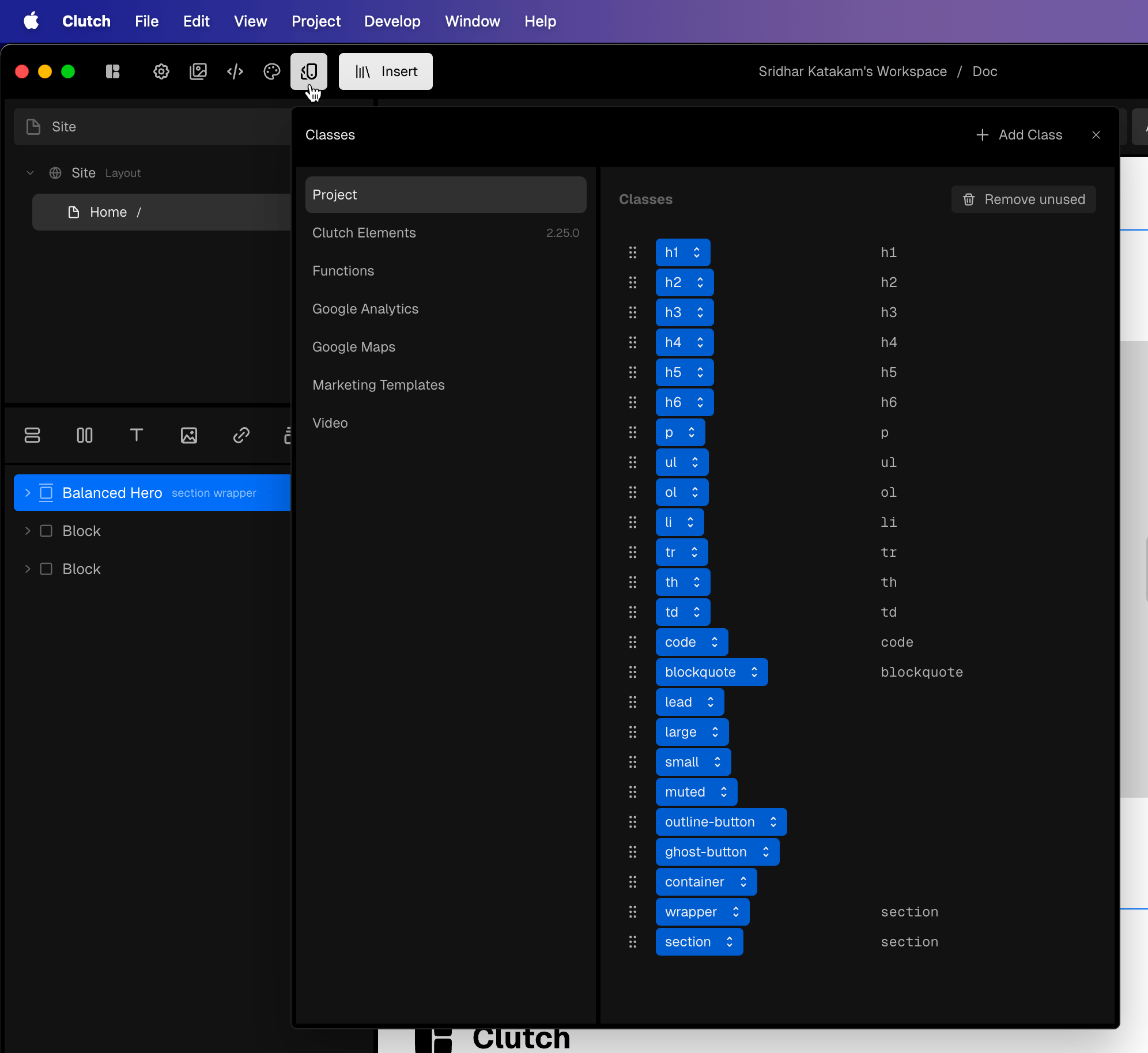
Listing on the right side (if present) for a class is/are the element(s) to which the class is auto-applied (auto-applied because a selector rule is set on them).
Clicking the up and down arrows on a class brings up the class context menu.
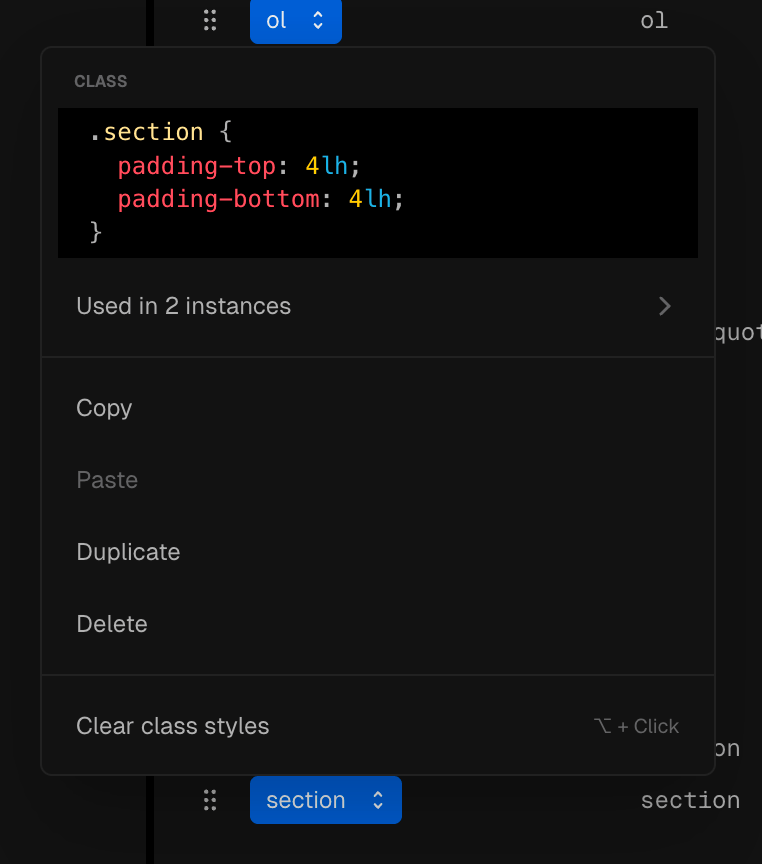
Removing a class
To remove a class from (being applied to) an element, if it is the last one in the Classes control, place your cursor at the end and press ⌫.
If it is not, right-click on it and Remove.
Restoring a built-in/library class properties
The libraries that come with Clutch include useful helper classes like preview. This centers the contents of a flex parent horizontally and vertically, adds some padding and a gap etc. The exact CSS properties (and values) may be different across the classes from different libraries.
Let’s say you accidentally clear this class’ properties by alt-clicking on the class name. There is a way to restore this (besides the usual undo).
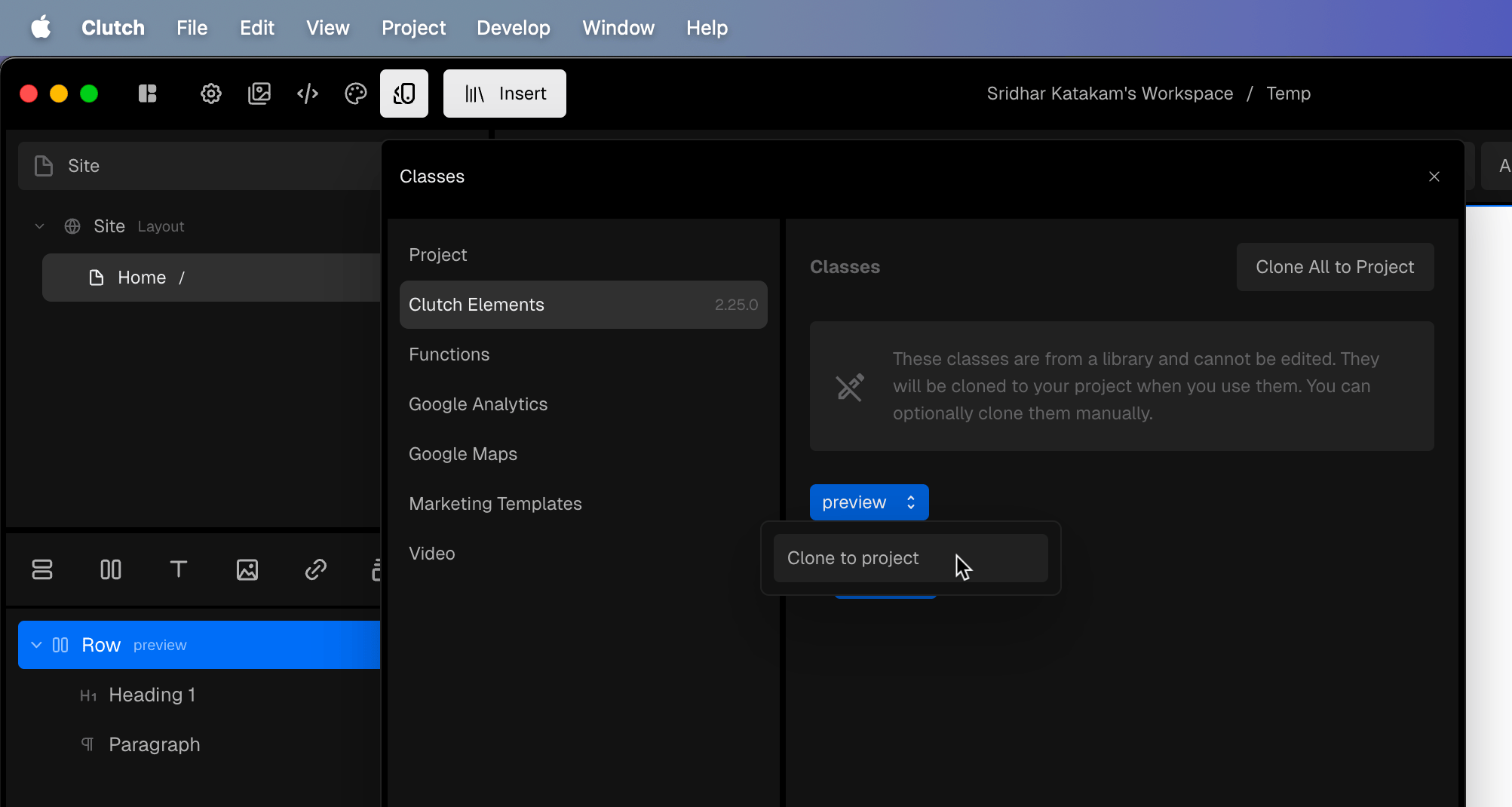
Bring up the class manager, locate the class, click the up/down arrow and Clone to project.
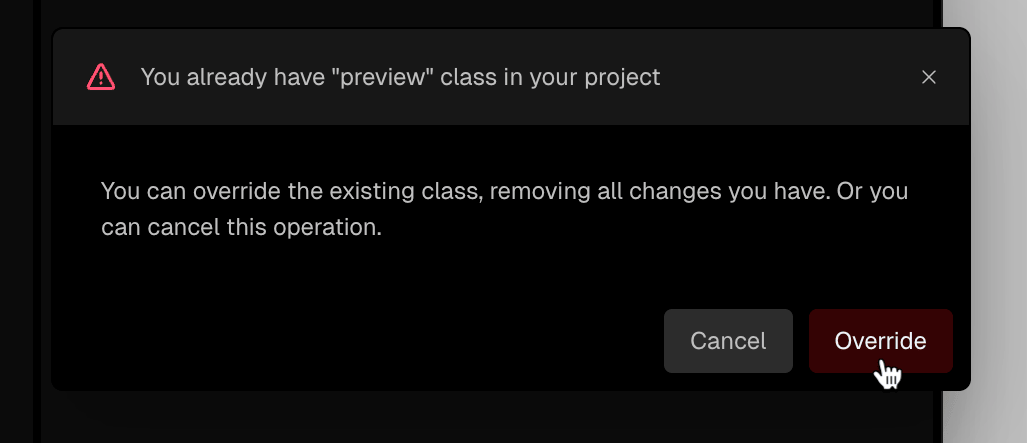
and click Override (if you have not deleted the empty class).
Still need help? Ask the team