Video Player
Video Player provides a set of components and templates that allow you to use a plug-and-play player or customize your own to make it just right.
Powered by the following open source library:
Our library contains two pre-built players
Simple Video Player
The Simple Video Player is the one you should reach in most cases. It ships with:
Controls bar: Play/Pause, Audio, Picture-in-picture and Fullscreen
Video Poster
Buffering Indicator
Gestures
Fully Featured Video Player
This version of the player has everything from Simple Video Player but additionally, it ships with:
Captions
Captions settings
Chapters
Thumbnails
Playback settings (Coming soon)
Quality settings (Coming soon)
If you require a player with these features or want to create your own from a fuller version, this is the one you want to reach for.
Adding a Video Player
Open the Insert Menu (
i) > Components.Drag the desired VideoPlayer onto your page.
Set src property to a link or pick a local file (for files over 20MB, use a link)
If you chose the Fully Featured Player, ensure that you configure the VideoPoster and VideoTrack components too. Remember, if anything is unnecessary on your player, you can always remove it.
Guides
The Video Player Library ships with multiple components and templates. These templates are built to be completely extendable and customizable so that you can achieve anything that you could achieve with code.
Enabling Auto Play
Select VideoPlayer
Add
autoPlayproperty from optional properties listSet it to
true
Properties
VideoPlayer
This is the top-most component in the library used to group media elements and control the flow of media state.
VideoProvider
This component is used as a render target for the current provider.
VideoPoster
This component is used to display a media poster or thumbnail image, generally before playback begins. It should be placed inside VideoProvider.
VideoTrack
This component is used to add text tracks - usually subtitles or chapters. It should be placed inside VideoProvider.
VideoCaptions
This component is used to render and display captions/subtitles. Should be placed inside VideoPlayer.
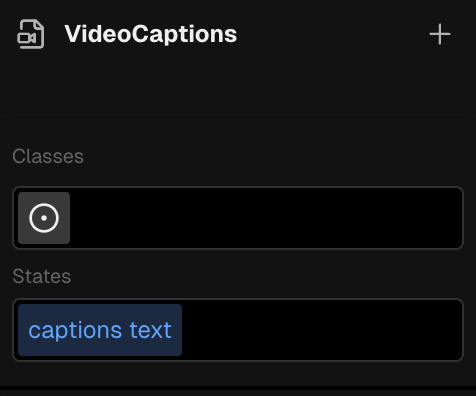
This component also ships with a Style Selector that allows you to style its captions text.
BufferingIndicator
This component renders a buffering indicator when the video is loading. It should be placed inside a VideoPlayer.
Customizable version coming soon!
VideoControlsRoot
This component creates a container for control groups. It will display or hide the controls based on the your configuration. It should be placed inside VideoPlayer.
VideoControlsGroup
This component creates a container for media controls. It should be placed inside VideoControlsRoot.
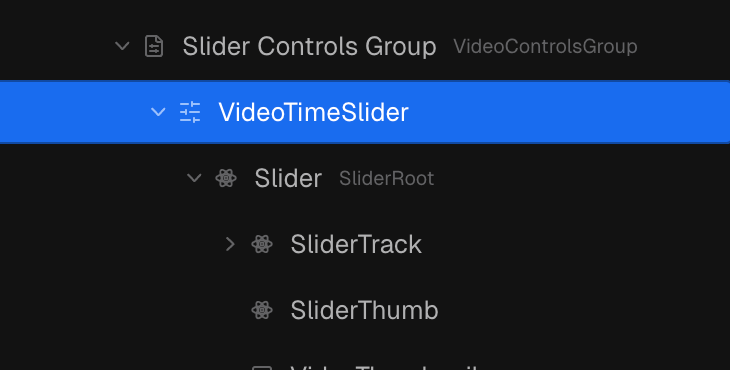
VideoTimeSlider
This components is a behavior that controls the time Slider. It should be placed inside VideoControlsGroup and it expects a Slider as its content.
VideoThumbnail
This component is used to load and display thumbnail images. It is usually placed inside the time Slider.
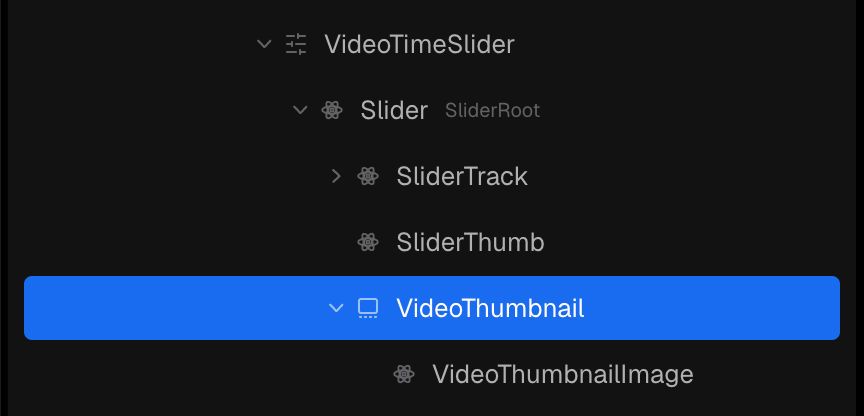
VideoThumbnailImage
This component is used as a render target for your thumbnail image. It should be placed inside VideoThumbnail.
VideoPlayButton
This component is used to play and pause media on press. It is a behavior component and sets logic its logic a children Button.
VideoMuteButton
This component is used to mute and unmute media on press. It is a behavior component and sets its logic on a children Button.
VideoMuteButton
This component is used to mute and unmute media on press. It is a behavior component and sets its logic on a children Button.
VideoButtonPiP
This component is used to enter and exit picture-in-picture mode on press. It is a behavior component and sets its logic on a children Button.
VideoFullscreenButton
This component is used to enter and exit fullscreen mode on press. It is a behavior component and sets its logic on a children Button.
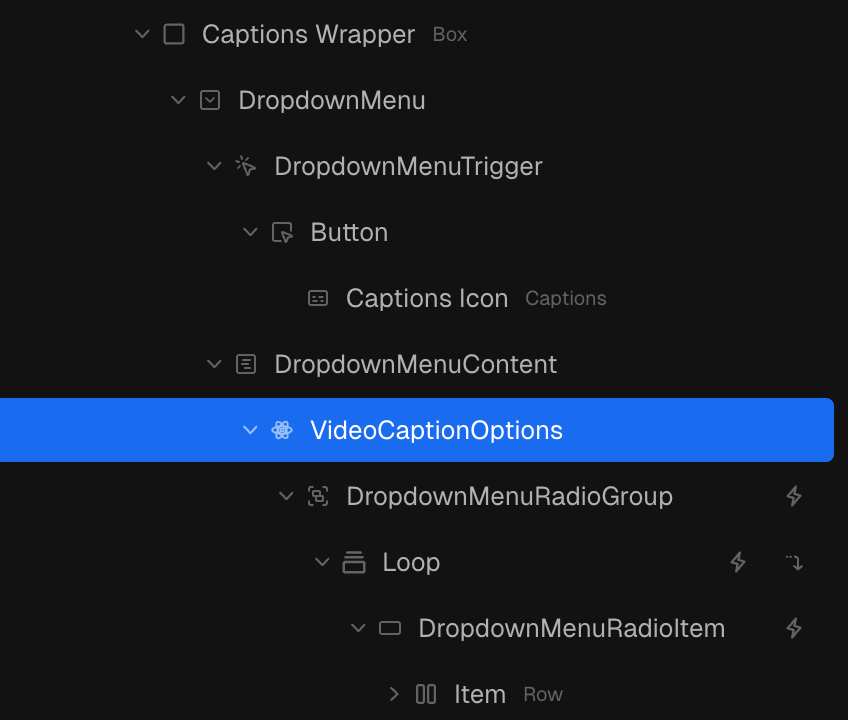
VideoCaptionOptions
This component registers state and actions that are helpful to build captions settings:
captionOptions - An array of the existing caption options
captionSelectedValue - The currently selected caption
changeMediaCaption - An action that enables changing the enabled caption
VideoGesture
This component enables actions to be performed on the media based on user gestures. It should be placed inside VideoPlayer.
VideoTime
This component is used to display certain media states as a unit of time, such as the current time or duration. It should be used under VideoControlsGroup or VideoControlsRoot.
VideoChapterTitle
This component is used to display the current media title.
Was this helpful?
Still need help? Ask the team