Contact Form 7
A library that lets you easily connect a form built inside Clutch to a Contact Form 7 form in WordPress.
Form submissions can be viewed in the WordPress backend using a plugin like Flamingo.
Documentation
Prerequisites:
Clutch WordPress plugin v2.1.0 or above and Contact Form 7 library v2.0.0 or above.
Install and activate Contact Form 7.
CF7 installs a form the first time it is activated. This can be seen at Contact → Contact Forms. Let’s use this default form without any modifications to the form fields in this article.
While this is not mandatory, you might want to add “Contact Form” section from Sections → Contacts in the Insert menu to follow along with this article.
Locate the name Input Field in the compositon panel and duplicate it. Change the newly added elements’ label and placeholder subject for the subject form field.
Delete the Checkbox Field element.
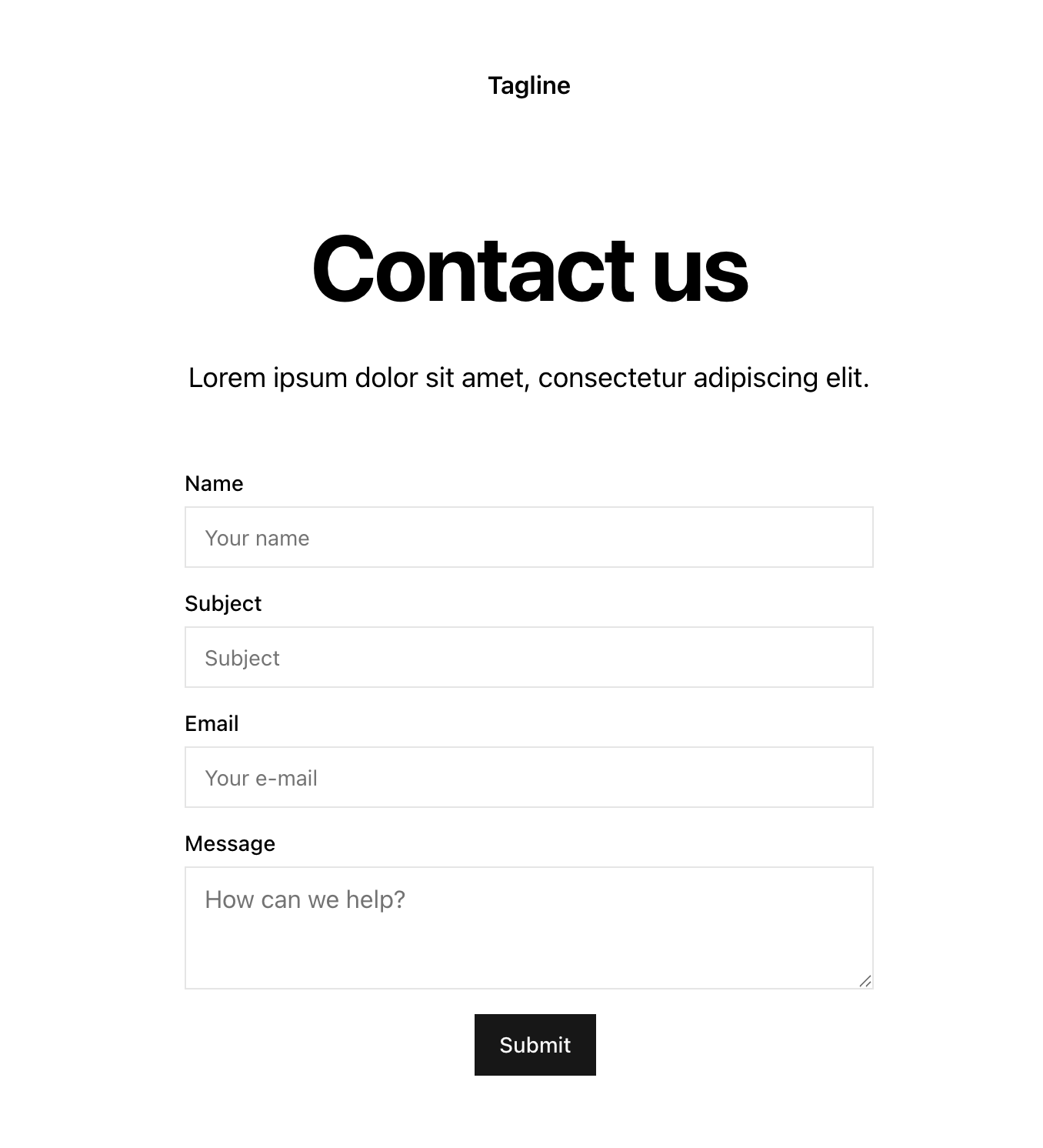
You should now have a form section that looks like this:
If you have not already, install the CF7 library in your project by clicking the link near the top of this article.
Select your fields one at a time and change the name property’s value to match that in your CF7 form.
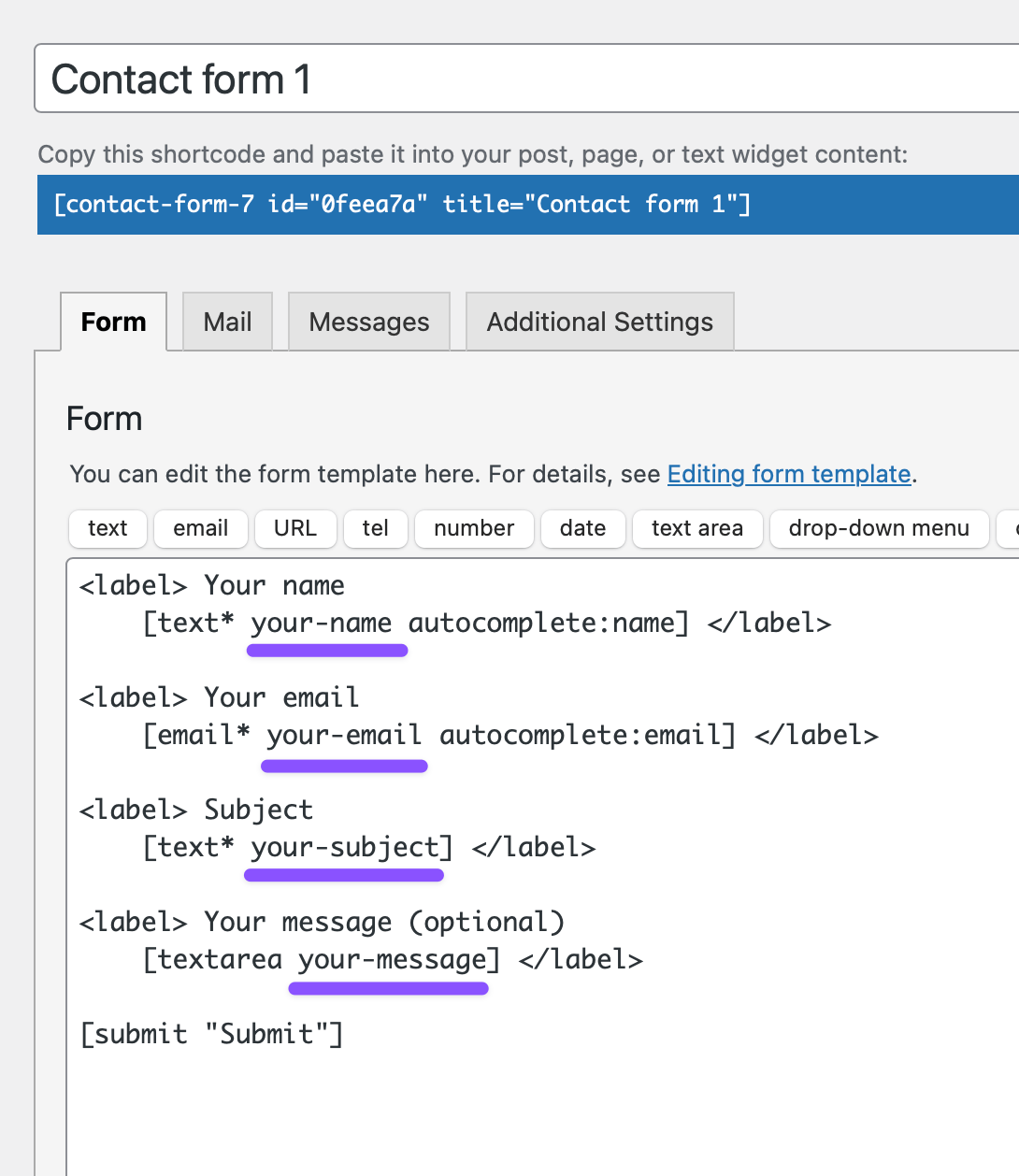
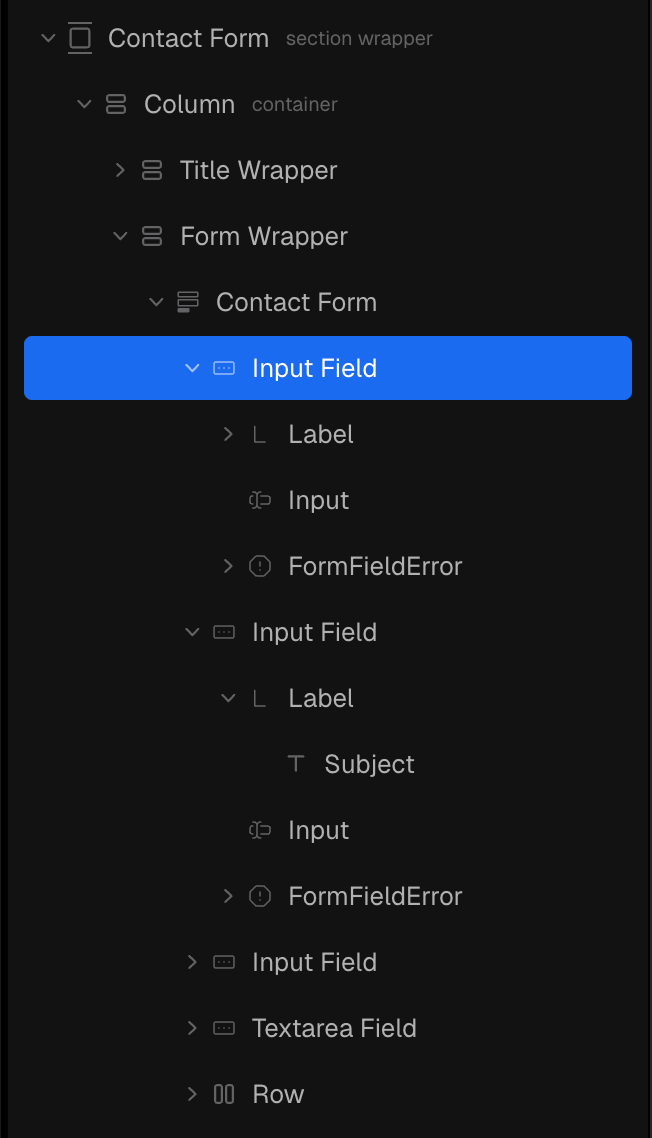
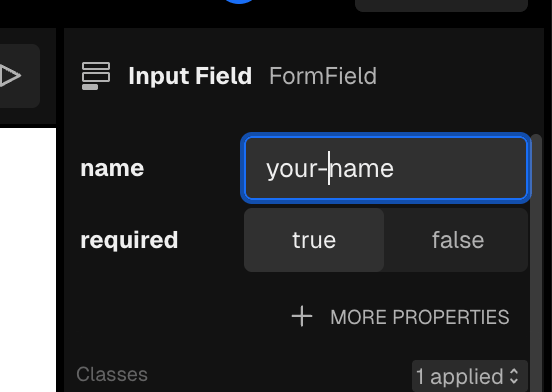
and so on for the other fields.
Select the Contact Form Form component and add a new onSubmit action.
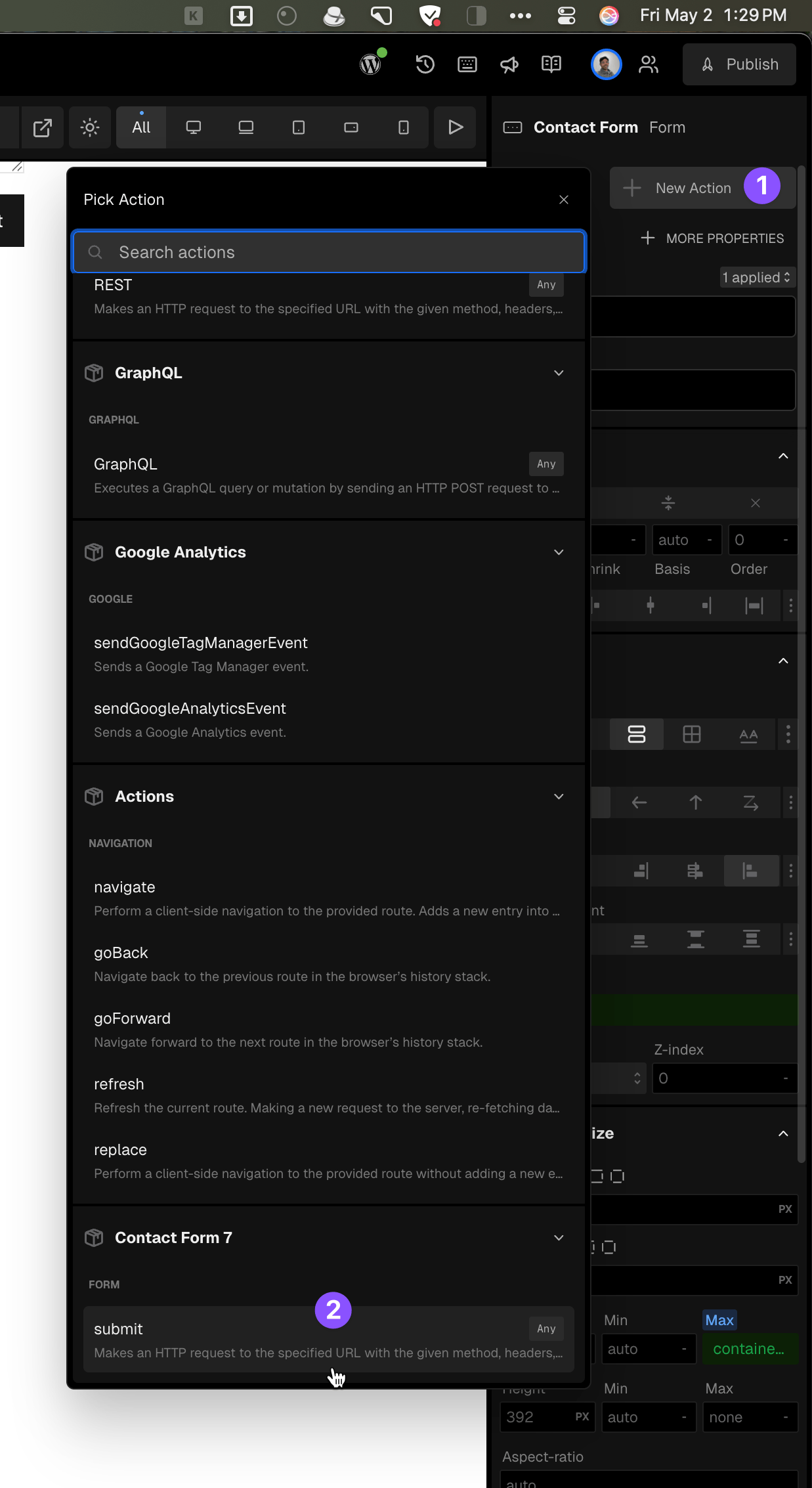
Select your contact form for the form property.
Click on the bind icon for data and select your contact form’s data.
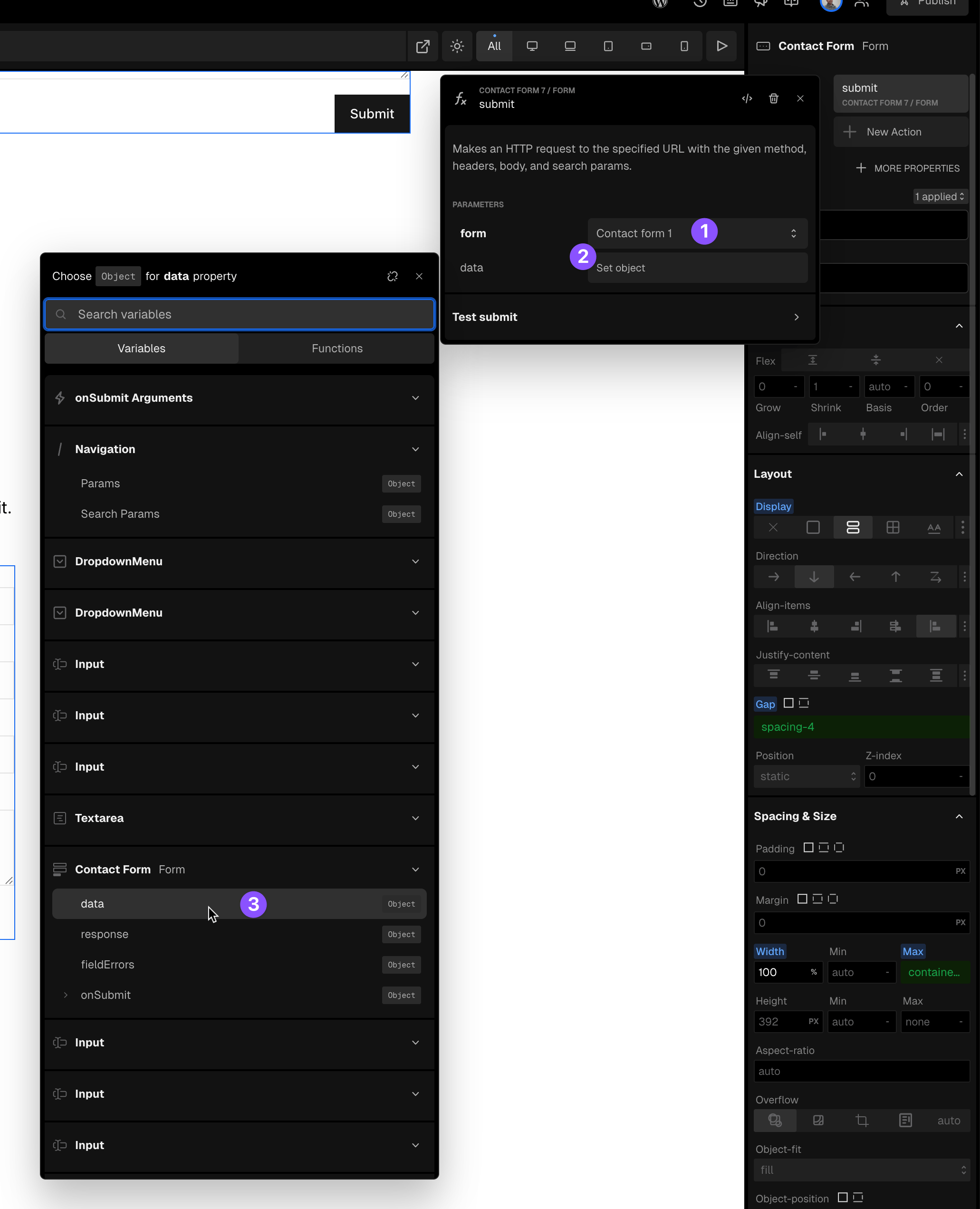
Ensure that you have selected the correct form’s data. You may want to change the labels of your contact forms so they are unique to accidentally select an unwanted form’s data.
Enter play mode and test your form submission.
You should see the success message like this:
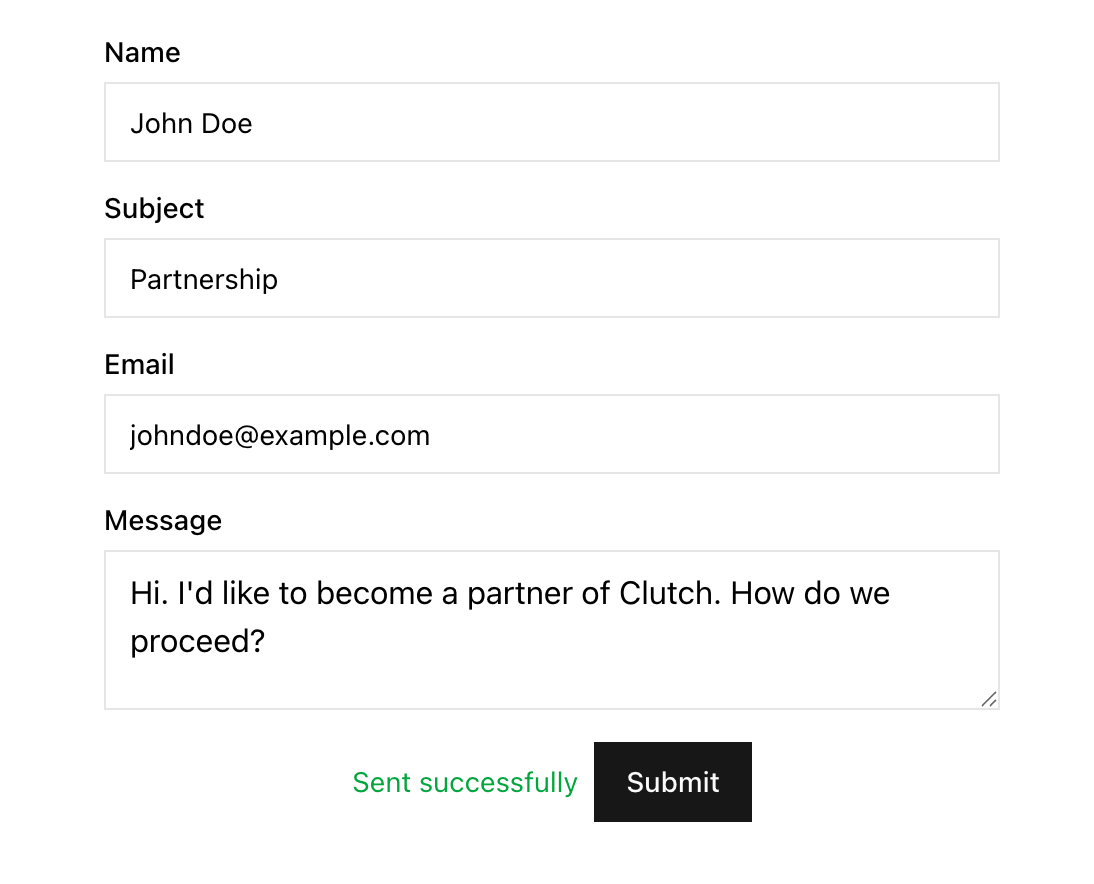
To change the “Sent successfully” success message, select the text component and edit its text.
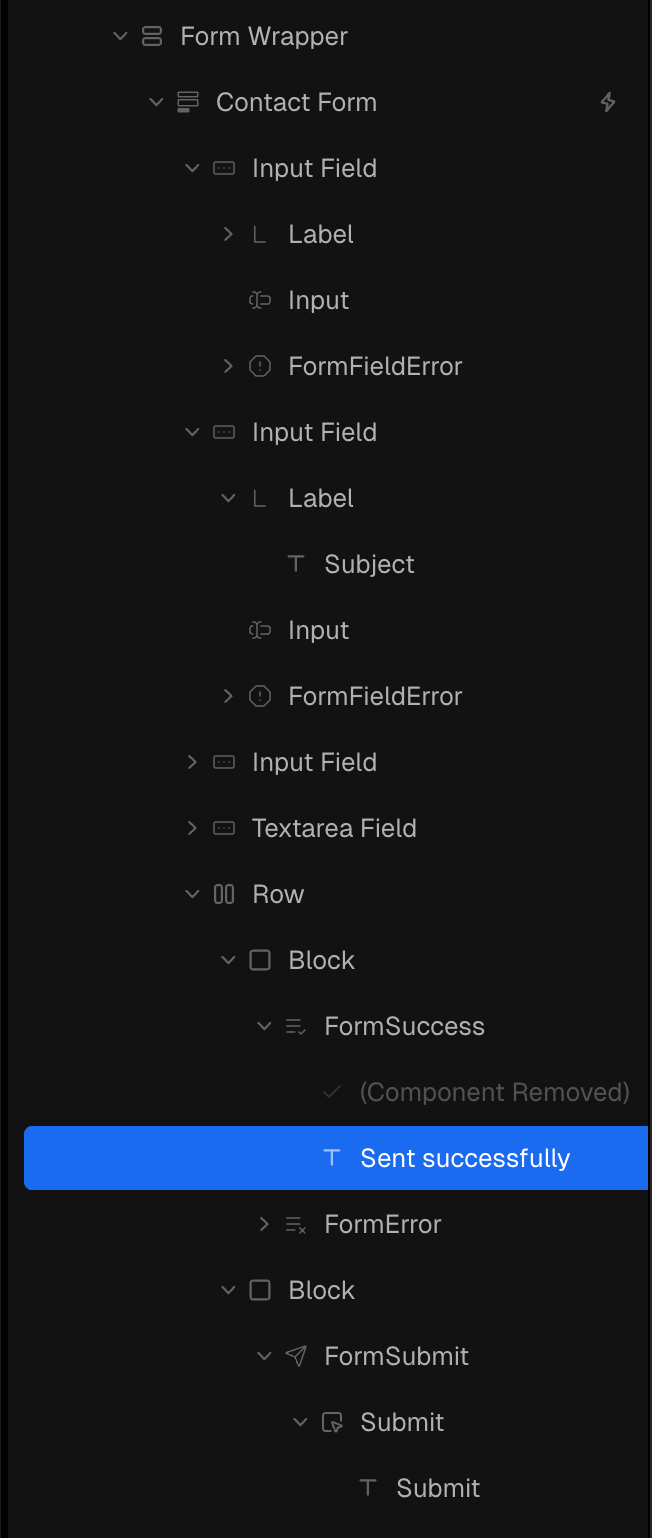
If you’d like to have the success message come from the form settings, replace the FormSuccess component with one from the library.
Tip: You could hold Alt key down and click on the component from Insert menu to replace the current one.
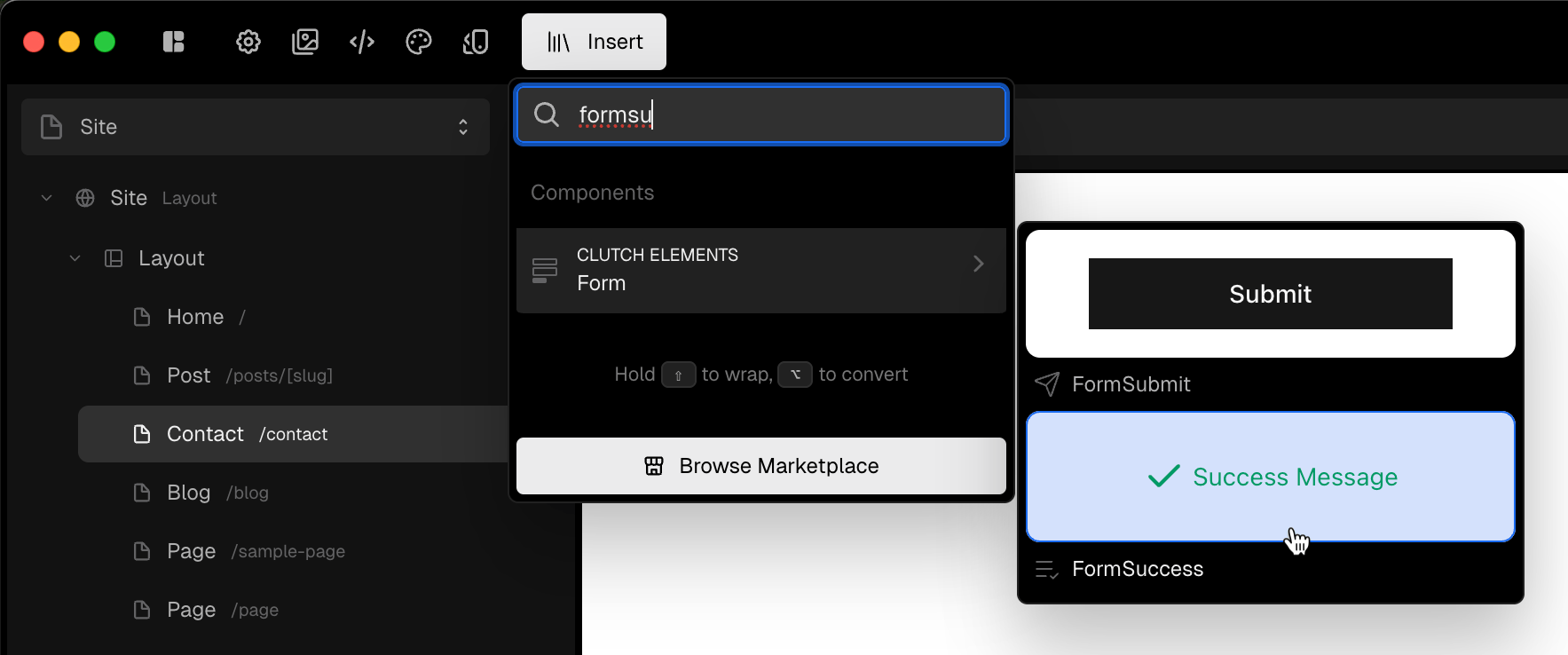
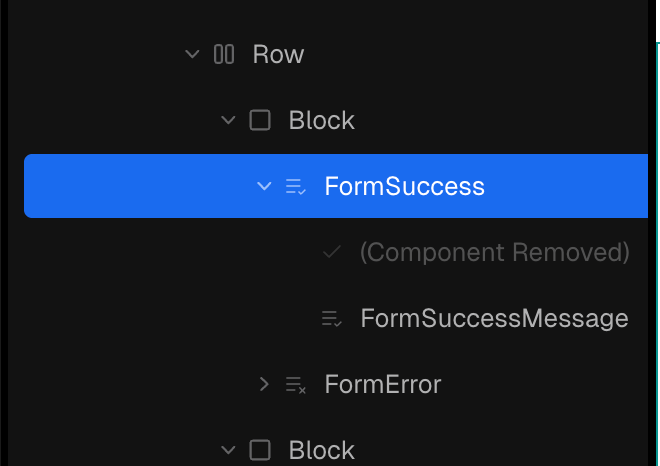
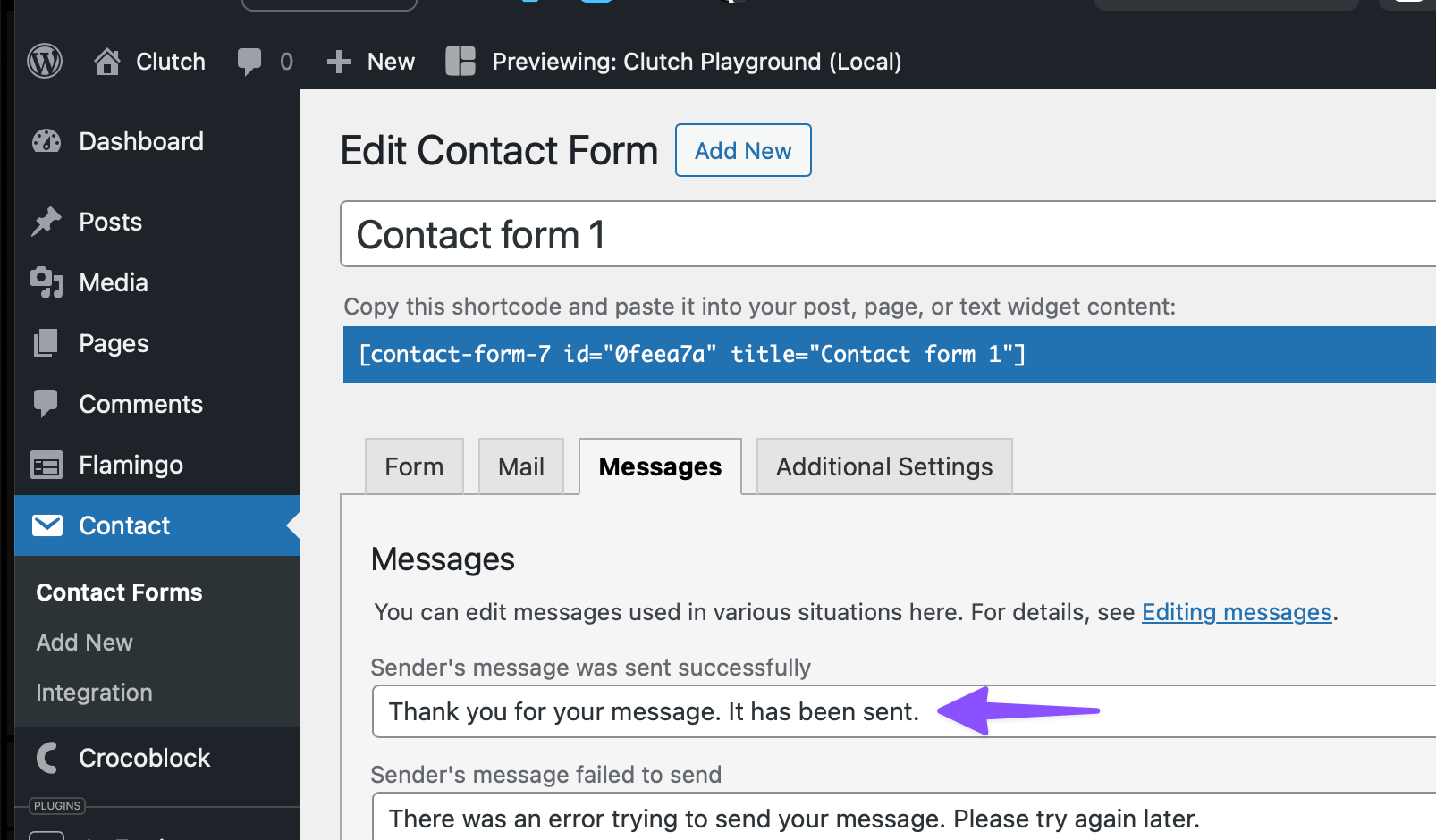
This success message can be edited in your form’s Messages tab.
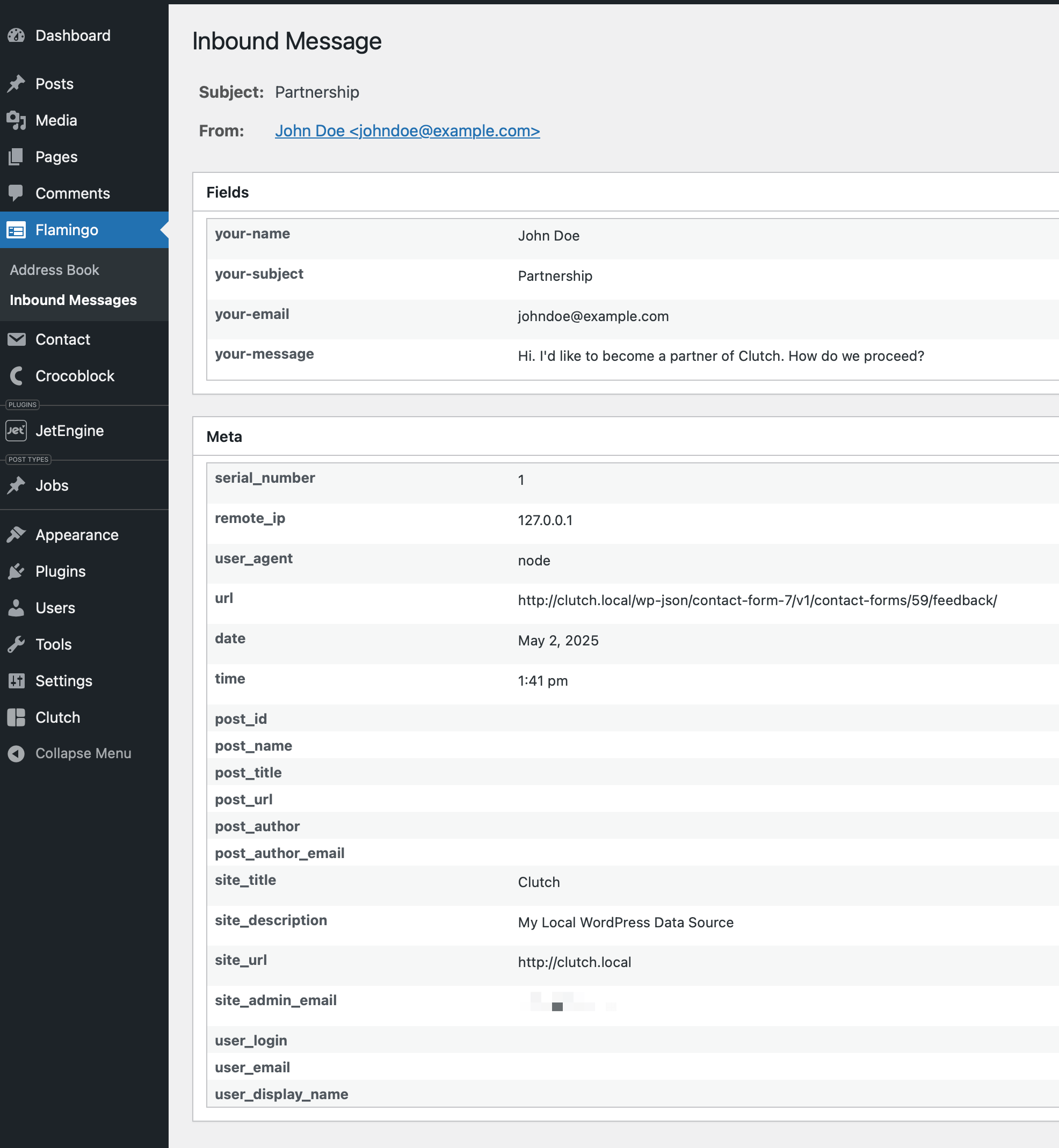
Form submissions can be viewed in WordPress admin at Flamingo (a separate WP plugin form the developer of Contact Form 7) → Inbound Messages.
Was this helpful?
Still need help? Ask the team